
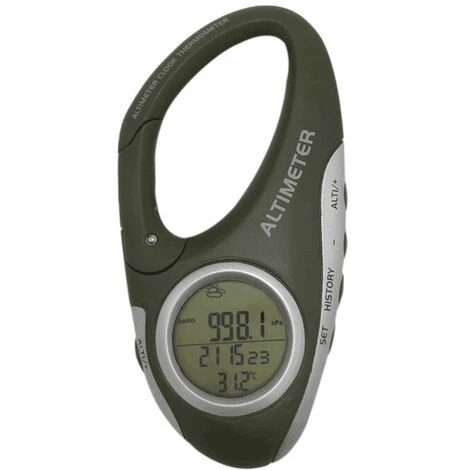
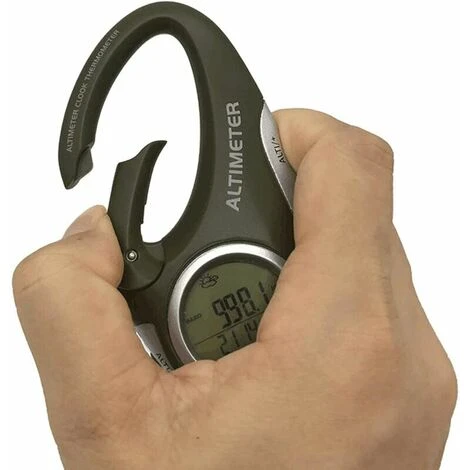
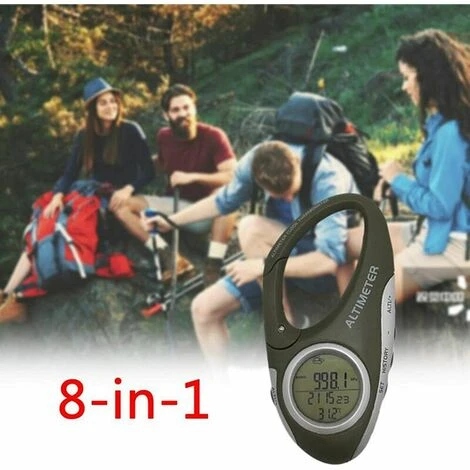
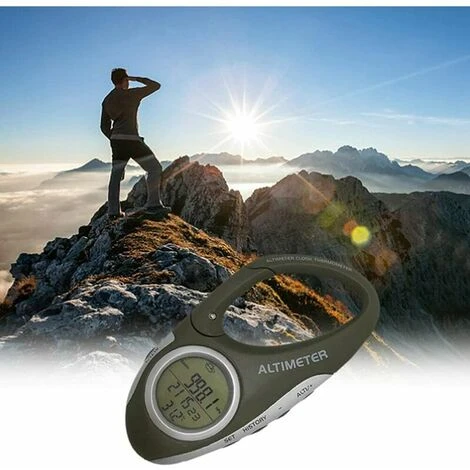
NICEONE Electronic Altimeter With Carabiner And Altimeter, Pocket Thermometer For Outdoor, Fishing, Weather Forecast, Outdoor Gadget, 1 Pcs
£9.86
- High quality products, low prices.
- Free 1 year warranty period
- SSL encryption, absolutely safe shopping
- Free Shipping, No Compromise on Quality

- Weight6.5 kg
- MaterialAcrylonitrile butadiene styrene (ABS)
- Power sourceBatteries
- ManoMano ReferenceME72441504
- Product codeNce-31734
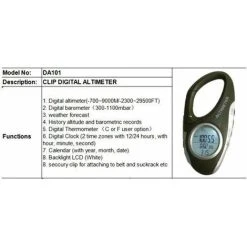
The method to reset the altitude value is to press and hold the [ALTI/+] button until 0M is displayed at the bottom of the screen, then start moving, and the relative altitude value of the movement will be displayed on the screen. Press the [ALTI/+] button again to return to the actual height value.
Relative Altimeter: Using the relative altimeter is to clear the height value measured at that time, and use the position at that time as the 0 m height point, and the height value up or down from the 0 height point is the relative height value.
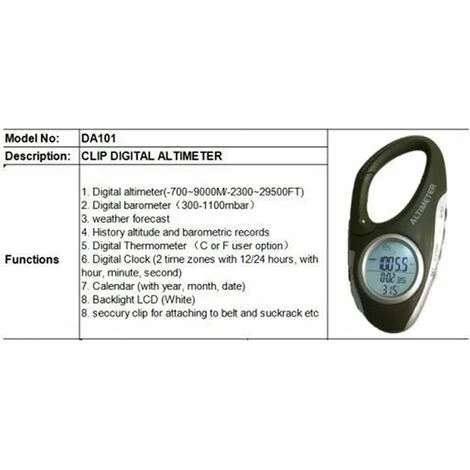
Barometer: the Current barometric pressure will be displayed on the screen immediately after power on. Press the [ALTI/+] button to switch between barometer and altimeter.
Altimeter: The altitude value displayed on the screen after power-on is the altitude at sea level of current location. In the altitude display state, press [SET] and [ALTITUDE/+] keys simultaneously, you can press [+] or [-] to change the altitude value. current altitude.
Weather forecast: It can predict the weather conditions in the next 12-24 hours when it is turned on, and the effective range is 30-50 km.
Heritan 1. Long press [SET] button for 2 seconds, 24 hours flashes, press [ALTI/+] button to switch between 24 hours or 12 hours.
2. Press [SET] button to enter time setting. At this time, the hour digits flash, press [ALTI/+] or [-] to adjust the hour value.
3. Press the [SET] button to flash the minutes, press [ALTI/+] or [-] to set the minutes.
4. Press [SET] button to flash calendar year number, press [ALTI/+] or [-] button to set year value.
5 . Press [SET] button to flash calendar month number, press [ALTI/+] or [-] button to set month value.
6. Press [SET] button to flash calendar date number, press [ALTI/+] or [-] button to set date value.
7. Press [SET] button to flash Celsius temperature unit, press [ALTI/+] button to switch between Celsius or Fahrenheit.
8. Press [SET] button and HPA air pressure unit flashes, press [ALTI/+] button to switch to HPA/inHg air pressure unit /mmHg.
9. Press [SET] button to flash M height unit, press [ALTI/+] button to switch between M or FEET height unit.
10. After the setting is completed, press [HSTORY] to exit the setting state, or automatically exit the setting without doing any operation within 10 seconds.
Color: black/gray.</ p>
Material: ABS.
Dimensions: 9 x 5 x 2 cm.
Contents:
1 barometer altimeter.
< p>1 User Manual (English language not guaranteed).
1 CR2032 button battery (not included).
Package contents quoted above only, no other products is not included.
Note: The lighting effect in the photographs may cause the color to appear different from what it is in reality. Please allow 1-3cm error in the measurements.
becomeveryrich
Be the first to review “NICEONE Electronic Altimeter With Carabiner And Altimeter, Pocket Thermometer For Outdoor, Fishing, Weather Forecast, Outdoor Gadget, 1 Pcs”
Related products
Thermometers
Thermometers
Reviews
There are no reviews yet.